
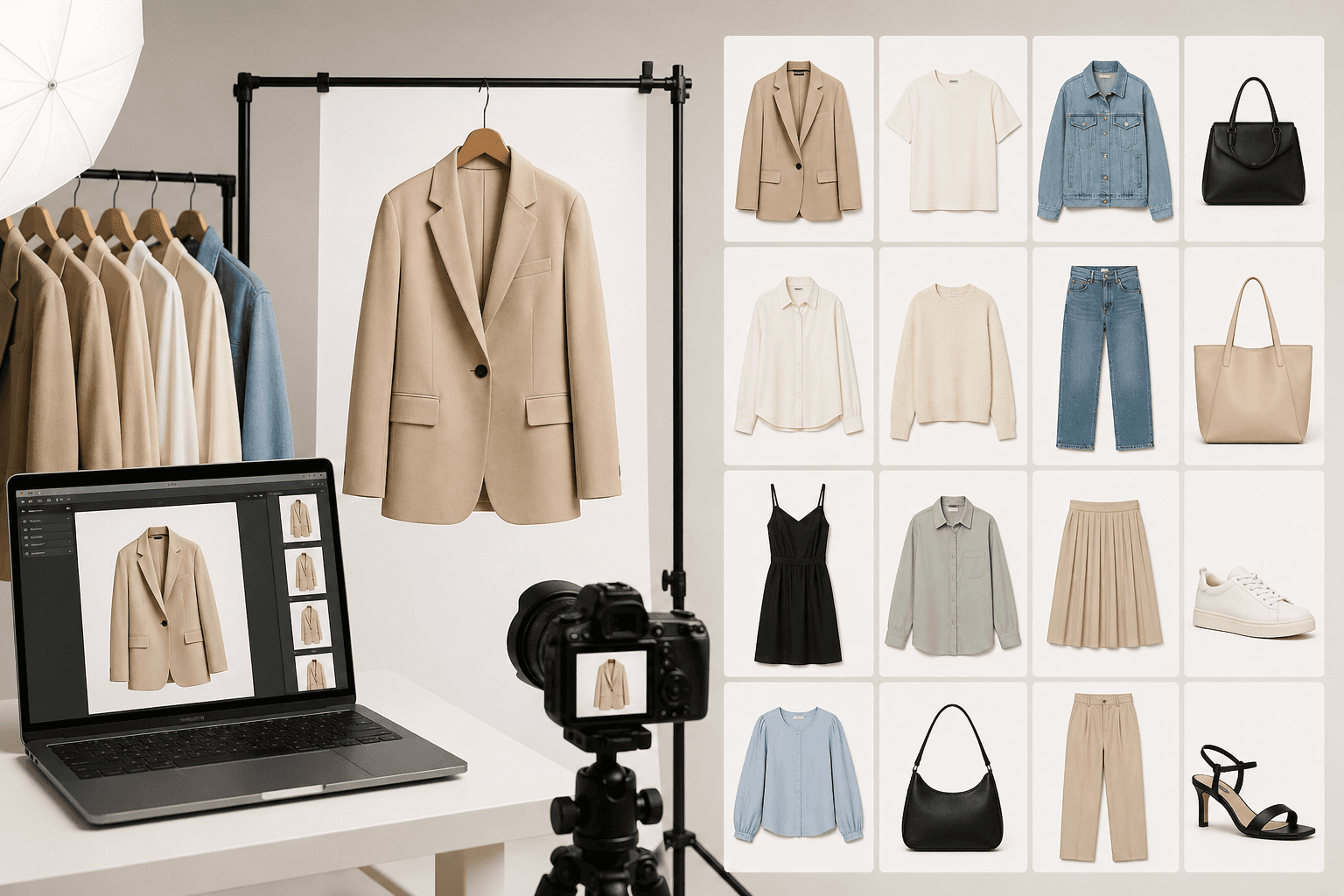
A messy product grid silently kills brand trust.
When a shopper scrolls through your Shopify collection page, they are subconsciously judging the quality of your brand based on visual harmony. If they see five different background grays, mismatched lighting, varying model poses, and completely inconsistent cropping, your storefront stops looking like a premium brand and starts looking like a chaotic thrift store.
For boutique brands, maintaining a clean grid is easy. But for ecommerce teams managing hundreds or thousands of SKUs, maintaining visual consistency is a massive operational headache.
Here is a proven framework to audit your production process, lock in your visual identity, and scale your catalog seamlessly.
1. Define Your Visual Architecture
You cannot scale without rigid rules. Before you shoot or generate a single image, you must create a locked brand-guideline document specifically for your Product Detail Pages (PDPs).
- Lighting: Are you using soft, flat studio light to show maximum detail, or harsh, directional editorial light for a high-fashion vibe? This must be standardized.
- Backgrounds: Pin down the exact Hex code. Never tell a retoucher "just make it white." Is it
#FFFFFF(Amazon pure white),#F5F5F5(a soft e-commerce off-white), or a warm beige? - Crop and Scale Alignment: The collar of every shirt should hit the exact same invisible horizontal grid line on your website. The models' eyes should ideally line up. If one photo is zoomed in and the next is zoomed out, your grid will look incredibly sloppy.
2. The Nightmare of Multiple Shoot Days
In traditional photography, matching your visual architecture across different shoot days is incredibly difficult—and sometimes physically impossible.
A winter collection shot in October will look subtly different from a spring drop shot in March. Studio strobes age, photographers tweak their settings, and retouchers interpret color differently. Additionally, booking the exact same model for an entire year to maintain catalog consistency is nearly impossible due to agency schedules and rising day rates.
As a result, your website becomes a patchwork quilt of different aesthetics.
3. Locking Perfect Consistency with AI
This batch-consistency problem is exactly why leading brands are migrating to dedicated ecommerce AI tools. By routing your imagery through NoShoot (noshoot.co), you establish a mathematically locked visual system.
Because NoShoot operates in a highly controlled digital environment, human error is completely removed from the equation.
- Locked Lighting: You can reuse the exact same virtual studio lighting setup for every single upload. Shadow and highlight falloff will match perfectly across 500 SKUs.
- Automated Backgrounds: You can apply your brand's identical background hex code instantly across an entire batch—no masking or clipping paths required.
- Model Continuity: You can retain consistent model aesthetics, body types, and poses across multiple seasonal drops, ensuring your Shopify grid looks flawlessly cohesive all year long.
Stop fighting with retouchers over mismatched studio lighting and sloppy cropping.
Use NoShoot to batch-generate flawlessly aligned, relentlessly consistent fashion assets today.